License & domain binding
Your license is a signed token, generated on your subsimail.com account, that your self-hosted install activates against.
New in 8: each workspace has its own license token; add one in the app under Workspaces. A license runs on one install at a time — use Release this install on the workspace to move it to a new server.
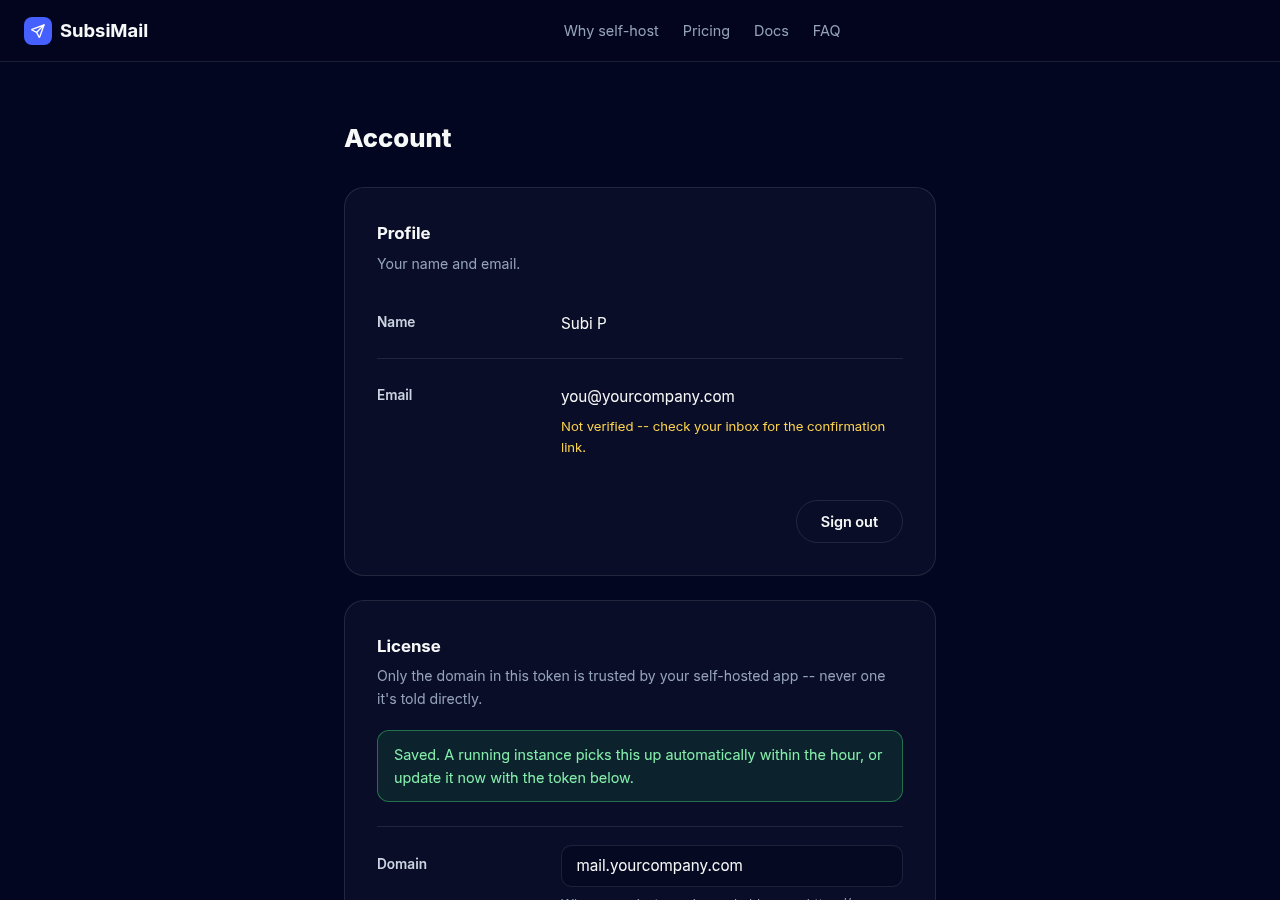
Set your domain, get a token
- Go to your Account → License section
- Enter the domain your SubsiMail install runs on (or will run on)
- Set your connected-account count
- Save — a signed token appears, ready to copy
Activating on your instance
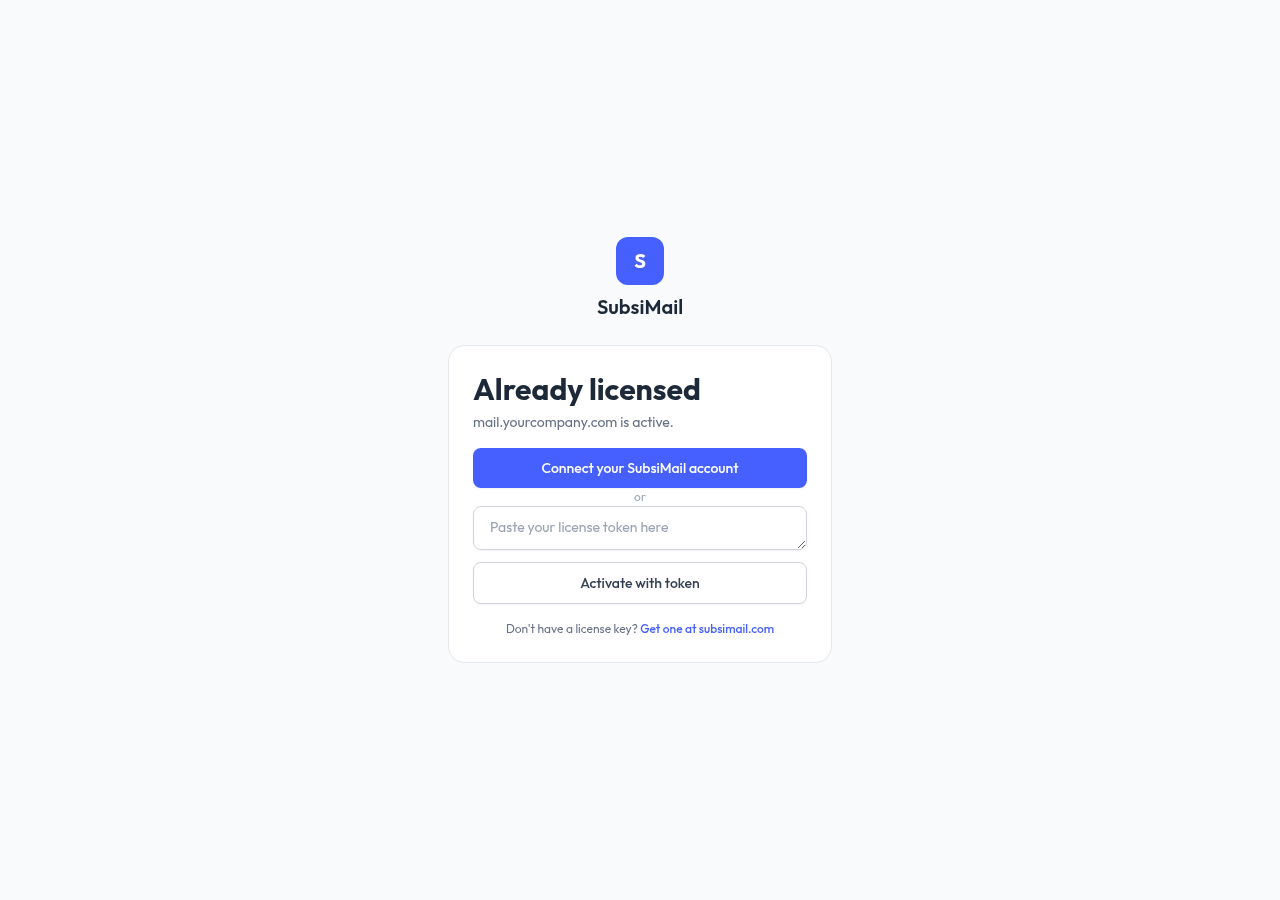
On your self-hosted instance's license screen (first-run setup, or later at Settings → License), you have two ways to activate:
- Connect your SubsiMail account (recommended, shown as the primary button) — redirects you to log in and approve on subsimail.com, then sends you straight back with the license activated. No copying or pasting anything.
- Paste a token (the "or" option below it) — copy the token from this account page and paste it in manually. Useful if the instance can't reach subsimail.com directly during setup, or you just prefer it.
Either way lands on the same confirmation screen before anything activates, showing exactly what domain and account count you're about to accept.
Why the token is bound to a domain
The signed token carries your domain as one of its claims, and your self-hosted instance only ever trusts the domain inside that token — never a value you type into the instance itself. This is deliberate: it's what stops a leaked or shared token from being pointed at a domain its owner doesn't control. If you need to change domains, update it here (not on the instance) and re-activate with the freshly signed token.
Connected-account count
Your first connected email account is free forever. Beyond that, plans are tiered by inbox count, not team size — see Pricing & billing for the full table.
The heartbeat check
Once activated, your instance periodically re-checks in with a lightweight heartbeat call. It sends your license key, a random install ID, the app version you're running, which build it is (Linux, Windows or Docker, and the CPU type), and two running totals — how many emails you've sent and how many campaigns you have — which then show on your subsimail.com account. It never sends the content of anything: no contacts, no message bodies, no recipient addresses, no reply data. If your instance can't reach subsimail.com for an extended period, sending pauses until it can reconnect; a brief outage on either side doesn't interrupt anything.