System email (invites & notifications)
Separate from connecting Gmail/Outlook/SMTP accounts for campaign sending, SubsiMail has one org-wide "system email" setting used only for transactional messages: team invite emails and password reset emails.
Not a campaign-sending account
This is easy to conflate with the accounts you connect on the Accounts page — they're unrelated. System email never sends a cold-outreach campaign message; it only sends invite/reset links, from the org's own SMTP relay, configured once under Organization settings.
Set it up
- Go to Organization (visible to admins and the super admin)
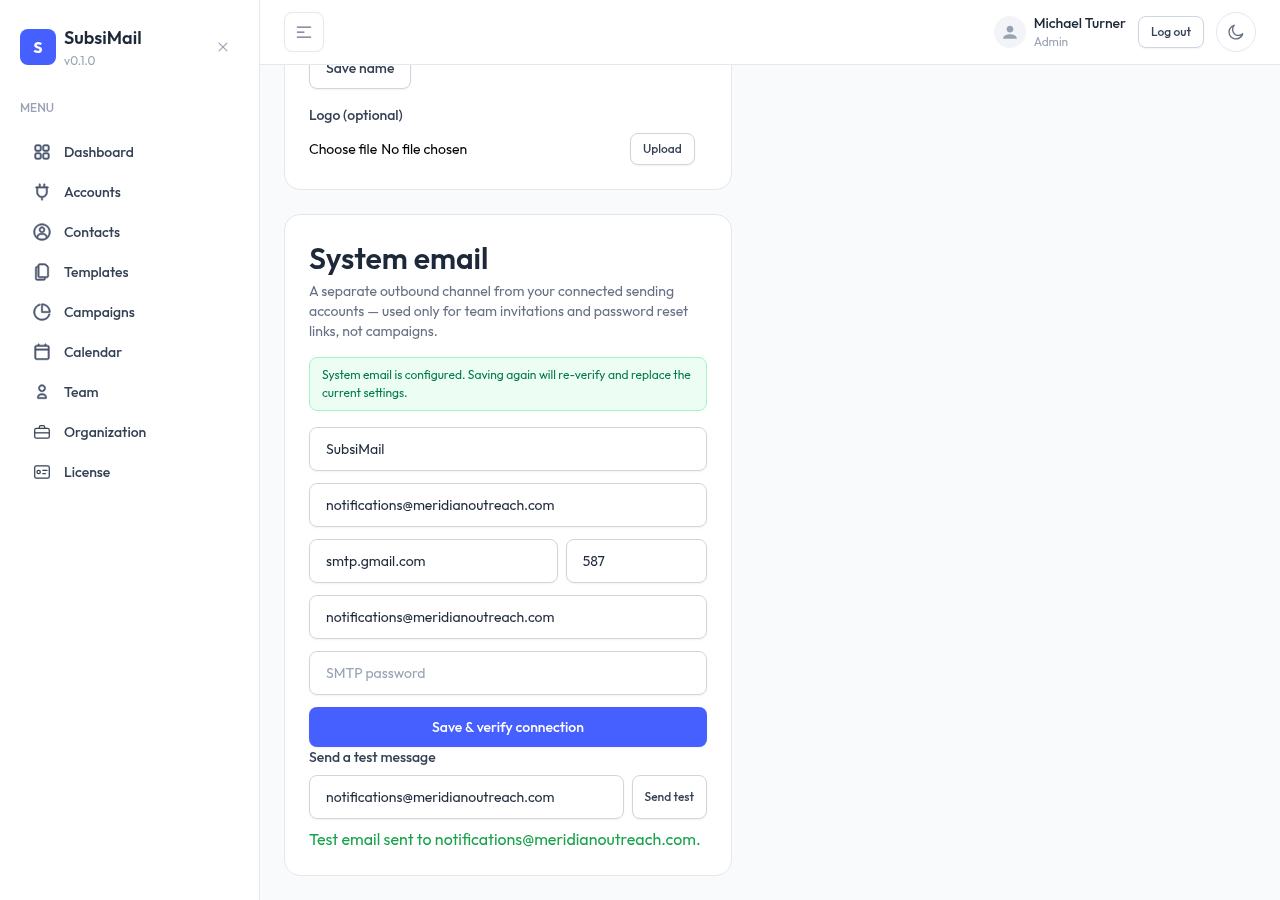
- Under System Email, fill in an SMTP relay: host, port, username, password
- Set a From email and From name — what recipients see on invite/reset emails
- Save — SubsiMail tests the SMTP connection before accepting it
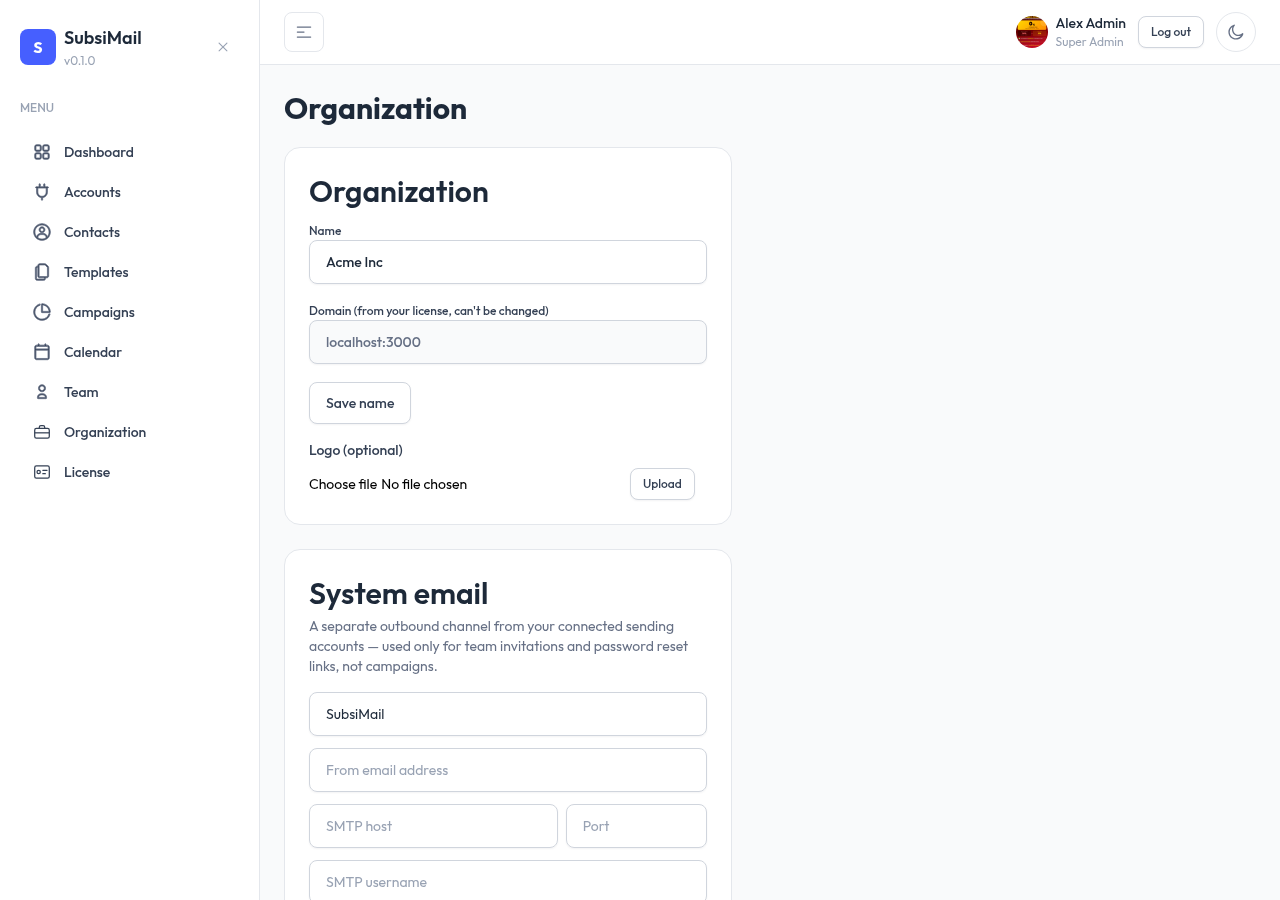
Once saved, you can send a test message to confirm delivery before relying on it.
What happens without it
System email is optional. If it isn't configured (or a send fails), inviting a teammate doesn't fail — SubsiMail still generates the invite link, it just isn't emailed automatically. The admin sees the raw link and can deliver it themselves however they like (Slack, WhatsApp, copy-paste). See Inviting team members.