Open & click tracking
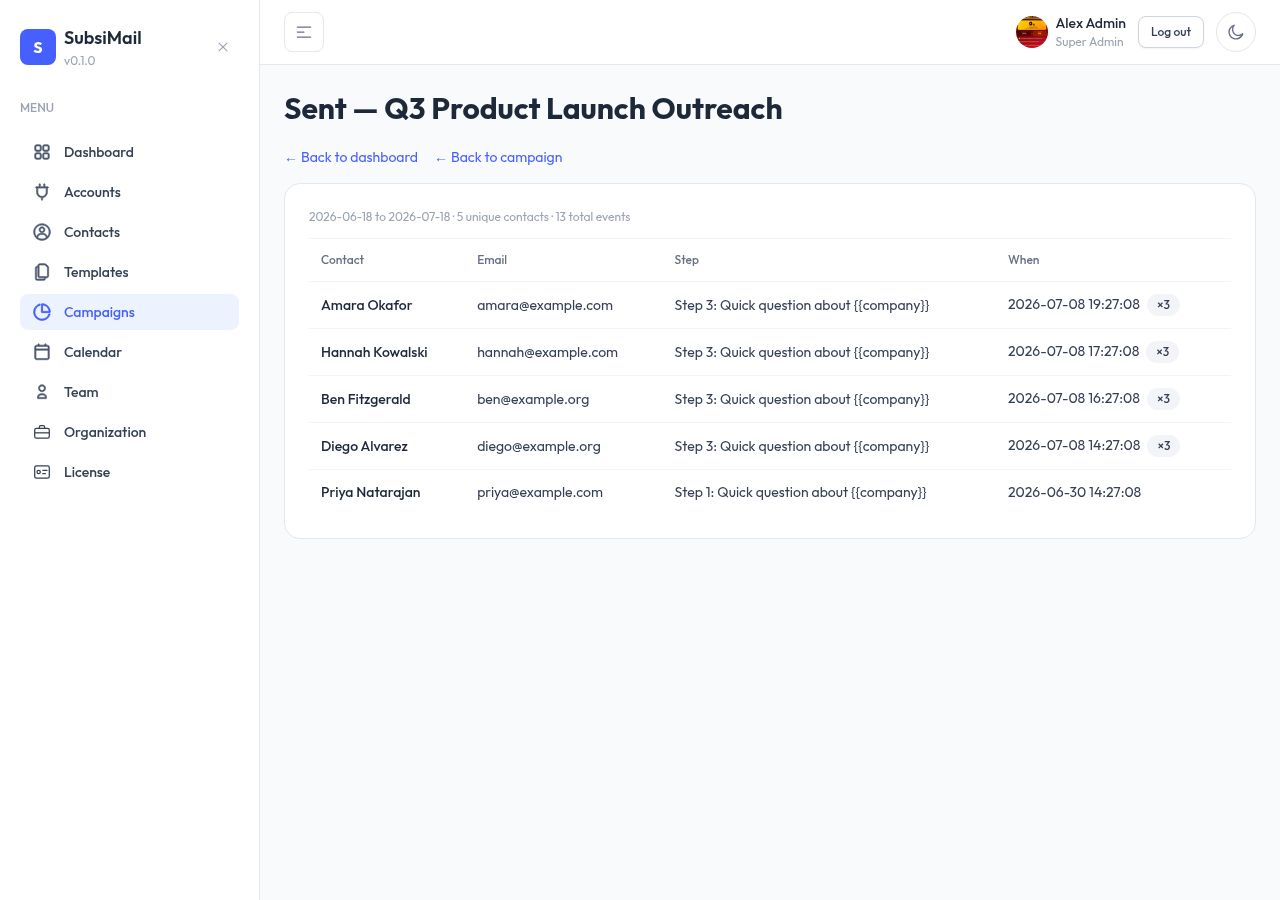
Every sent, opened, clicked, replied, and bounced event is logged per contact, per step — the raw data behind your dashboard.
New in 8: tracking links are served by a tracking-only port (3001 by default), and each workspace can use its own tracking domain. See Tracking domain & VPN.
Open tracking
A tiny transparent 1×1 pixel image is embedded in each sent email. When a contact's mail client loads it (which happens automatically when the email is opened, for most clients), SubsiMail logs an "opened" event tied to that contact and step.
Open tracking is inherently approximate — some mail clients block remote images by default, so treat open rates as a directional signal, not an exact count.
Click tracking
Links in your step body are automatically rewritten to route through SubsiMail first. A click logs a "clicked" event (with the destination URL) and then redirects the contact on to the real link — the delay is imperceptible.
Country
Every open and click also records the country it came from, resolved locally from the request's IP against a database bundled inside SubsiMail — nothing about your recipients leaves your server. It powers the world map on the dashboard and shows next to each contact in the drill-down tables. No IP, city or coordinates are stored — only the two-letter country code.
Unsubscribe links
An unsubscribe link is tracked the same way, but instead of redirecting, it adds the contact to your suppression list — permanently excluding them from future campaigns.
Where to see it
See raw events on a campaign's own event log, or aggregated across all campaigns on the dashboard. If A/B testing is on for a campaign, its Insights tab also breaks all of the above out side by side for variant A vs. B.