License & activation issues
Every license screen state your instance can show, and what it actually means.
New in 8: if you see "license in use on another install", the workspace's license is active on a different server. Use Release this install on the old one (or wait 24 hours of silence) and the new one takes over.
"License token unreadable"
The pasted text isn't a validly signed token — usually a partial copy-paste (missing characters from the start or end) or extra whitespace/line breaks added by the paste. Go back to your account's License section, copy it fresh using the Copy button, and paste again without editing it.
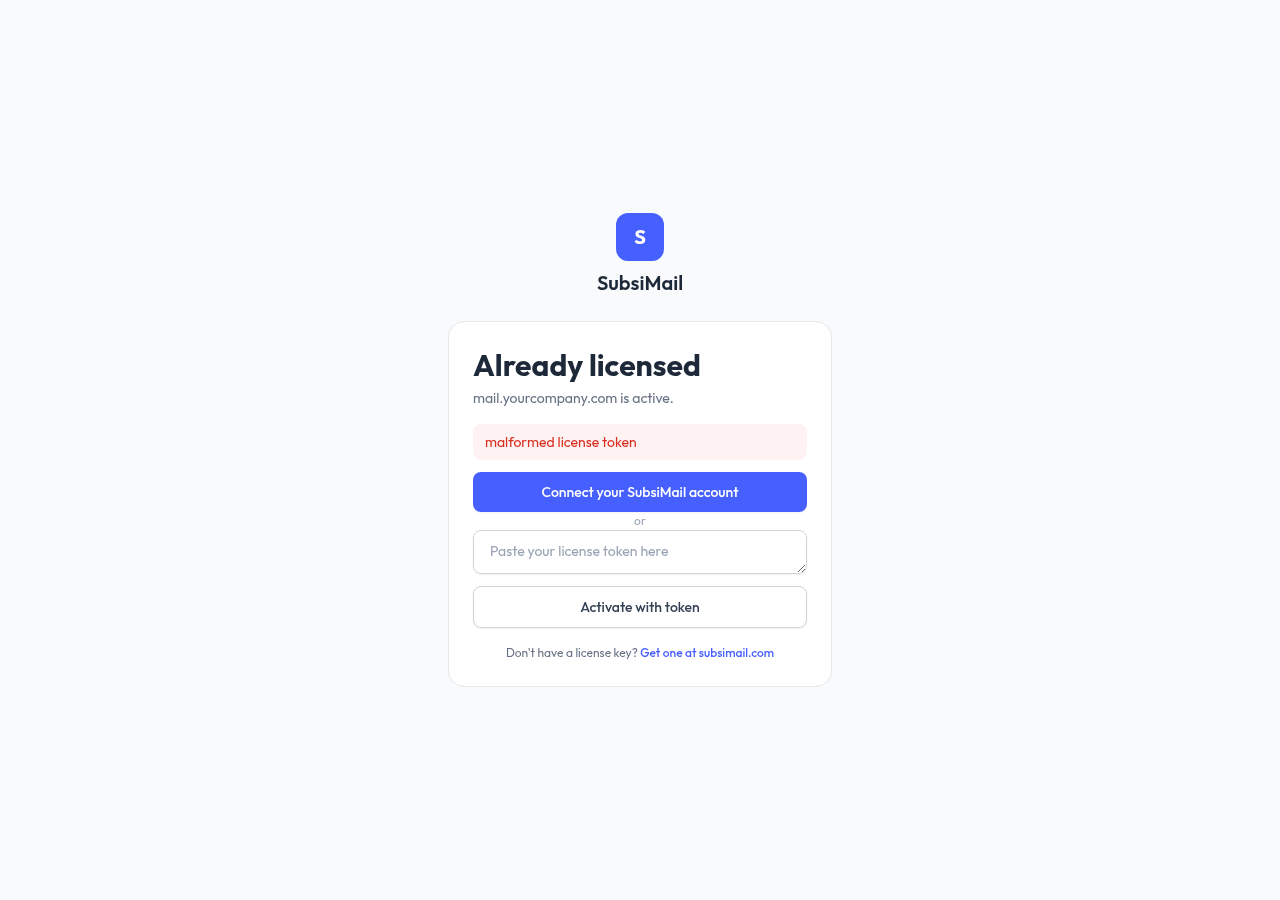
"License not active"
The token is valid and signed, but its status on your account isn't "valid" (for example, it was revoked). Check your account for what changed, or paste a fresh token if you've since fixed the underlying issue there.
"License expired"
The token's expiry date has passed. Generate a fresh token from your account's License section and paste it in — this re-signs against your current domain and account count.
"Can't reach the license server"
Your instance has a previously-valid license but hasn't been able to reconfirm it with subsimail.com recently (checked periodically via a lightweight heartbeat call). There's a grace period before this affects anything, so a brief network blip is never a problem — this only shows up if the outage is sustained.
Fix: check your server's outbound internet access (can it reach subsimail.com at all?), then retry. If your server sits behind a strict outbound firewall, make sure it allows HTTPS to subsimail.com.