Create a contact manually
For one-off additions that don't warrant a full spreadsheet import.
Add a contact
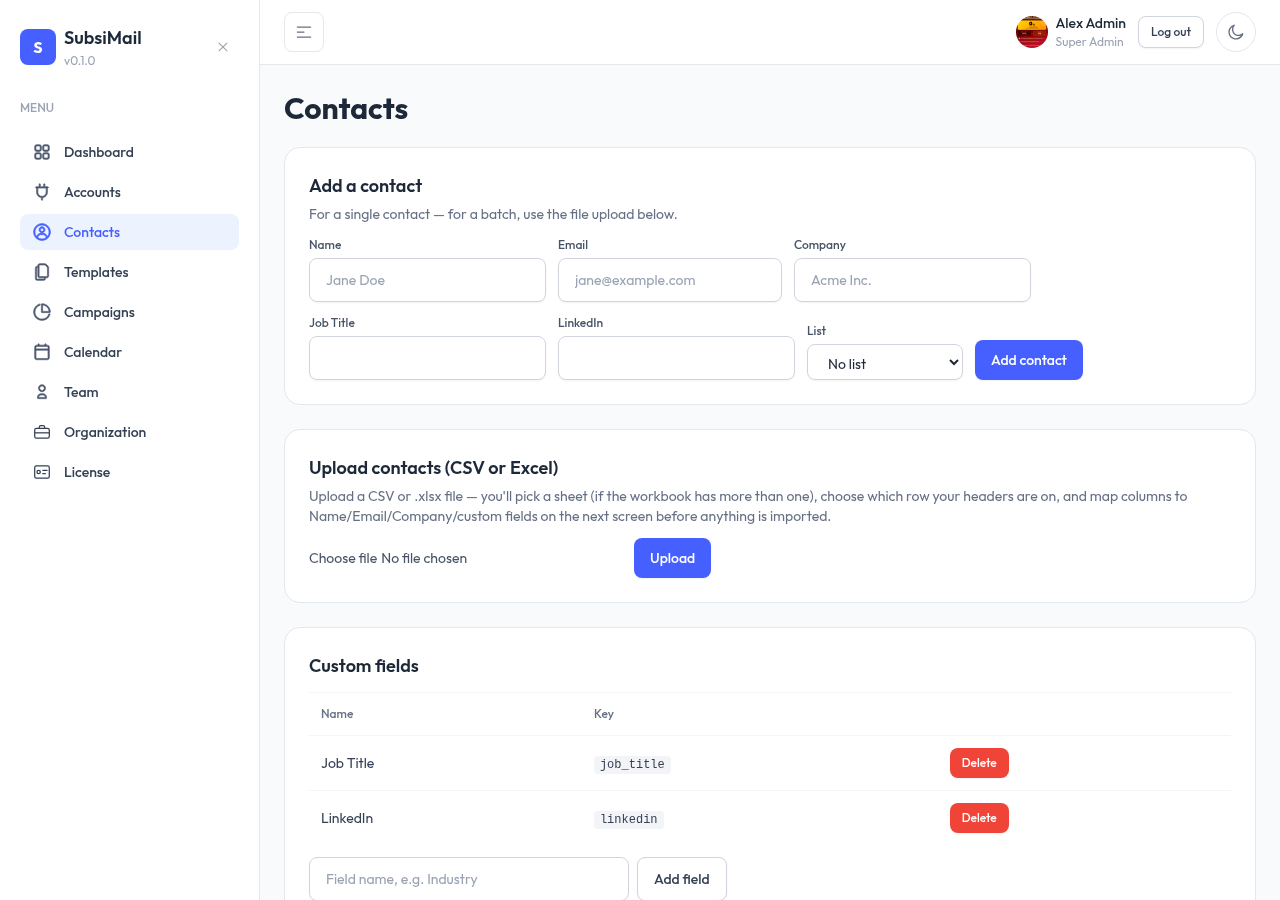
- Go to Contacts and click Add contact
- Fill in Name, Email (required), and optionally Company
- Any custom fields you've already defined show up here too, all optional, each with the input that matches its type
- Optionally assign the contact straight to a list
What happens with a duplicate email
If the email you enter already belongs to an existing contact (case-insensitive), SubsiMail doesn't create a second row for it — it takes you straight to the existing contact instead. This matches how CSV import handles duplicates too: one contact per email address, always.