List enrollment
Campaigns enroll contacts a whole list at a time, not one by one.
Enroll a list
- On the campaign detail page, pick a list from the dropdown
- A preview shows a sample of who's actually in that list, so you can sanity-check it before committing
- Confirm to enroll everyone in the list
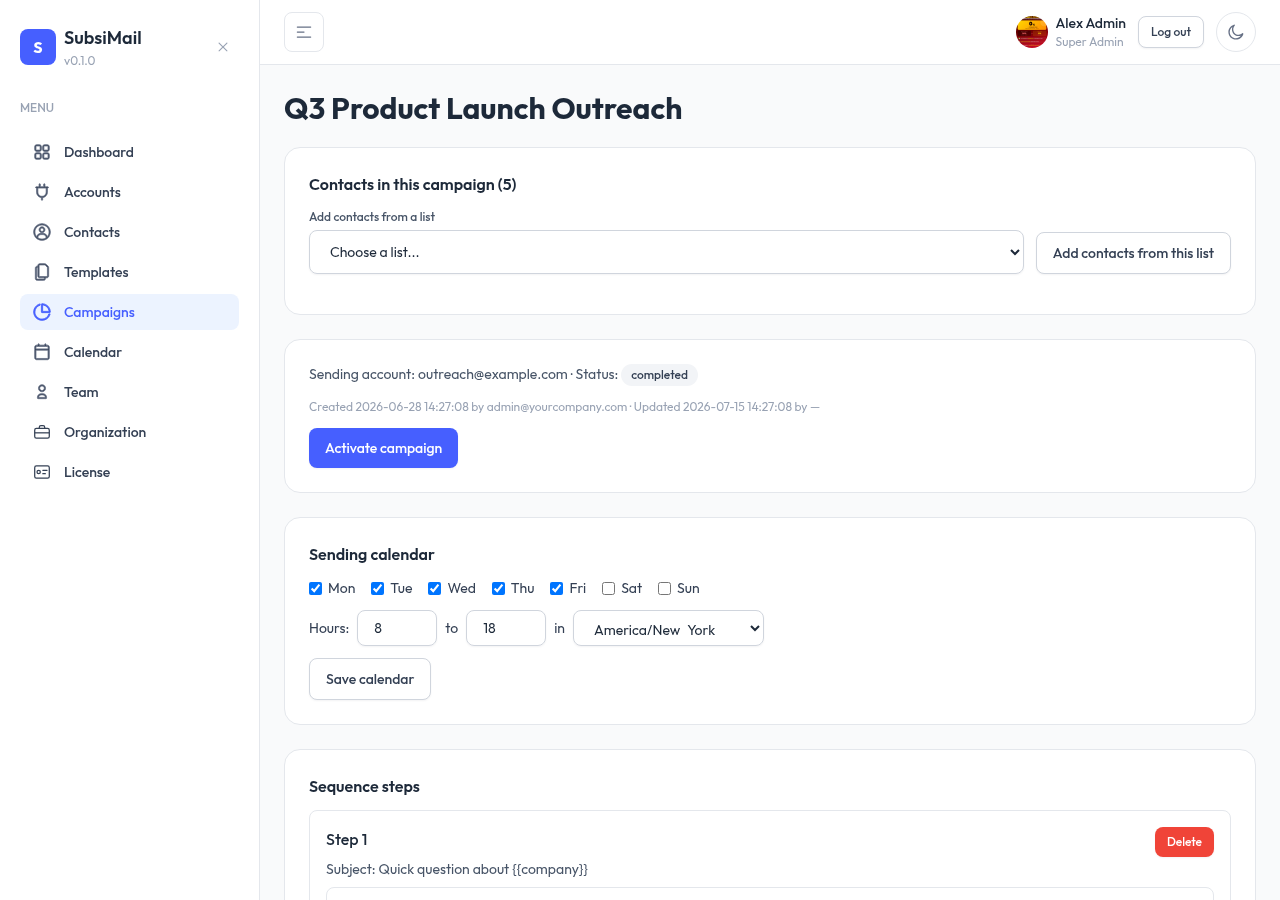
Every enrolled contact starts at step 1 of the sequence.
Adding more later
You can enroll additional lists into the same running campaign at any time. Anyone already enrolled (from a previous list, or already in this one) is silently skipped rather than re-added or reset back to step 1 — enrollment is safe to repeat without worrying about duplicating someone's sequence.