Inviting team members
Team members are added by an admin or the super admin, from the Users page.
New in 8: an invite gives the person access to the workspace you are in, with the role you choose. Inviting someone who already has an account just adds them to this workspace. You can only invite people to workspaces you administer.
Send an invite
- Go to Users (visible to admins and the super admin)
- Click Invite, enter their name, email, and pick a role
- Submit — they appear immediately under Pending invites until they accept
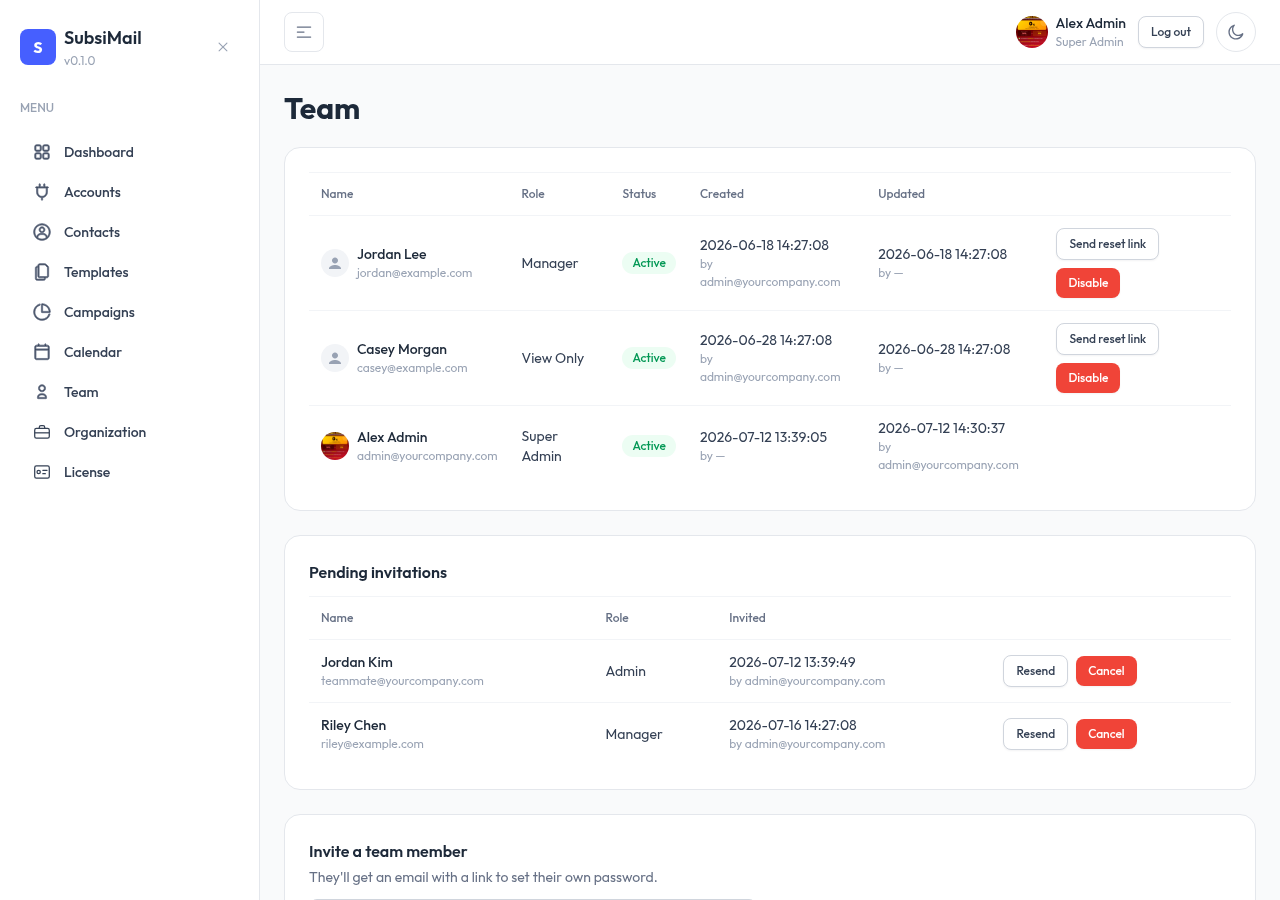
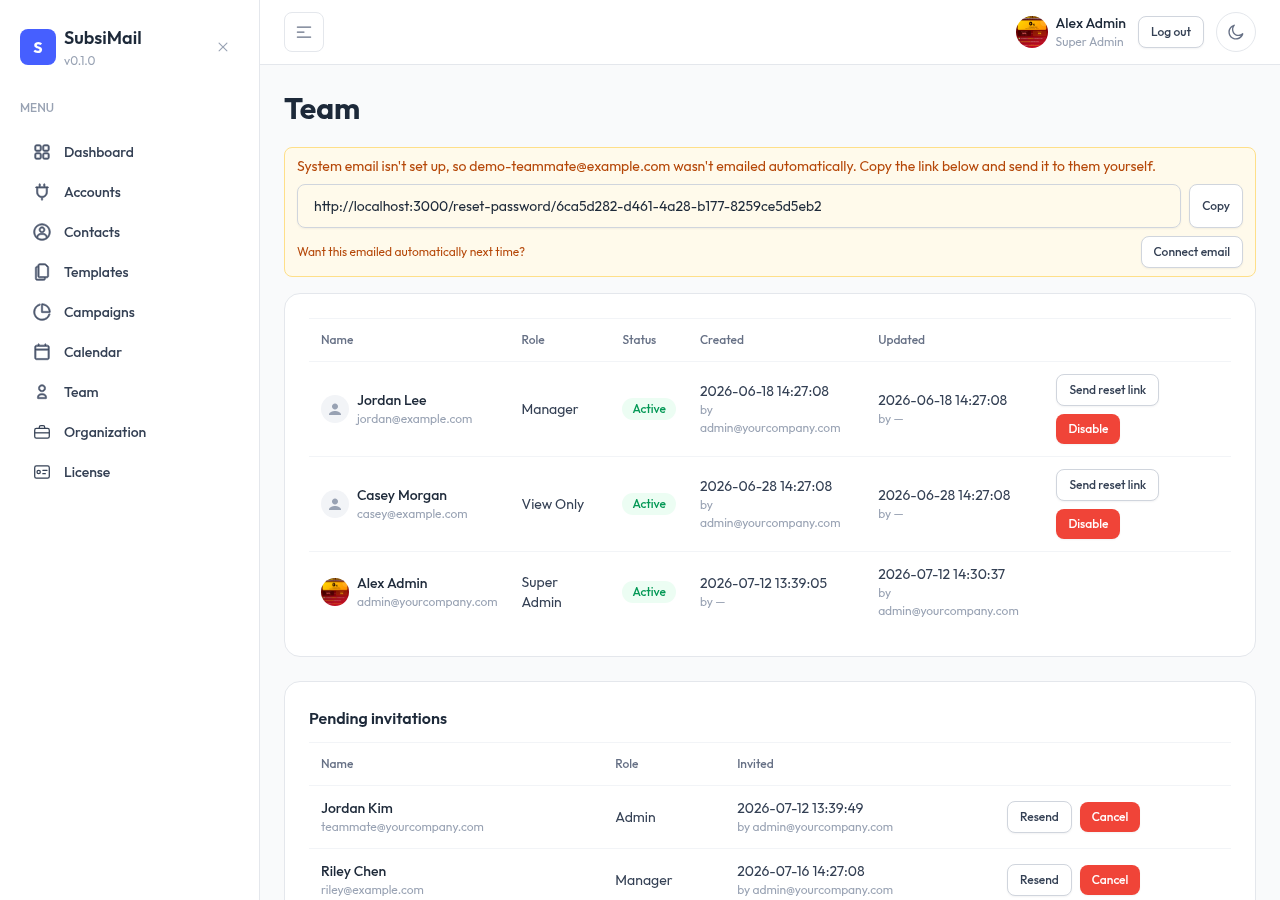
How the invite is delivered
If system email is configured, the invite link is emailed automatically. If it isn't (or the send fails for any reason), the invite still gets created — you just see the raw accept link right there and can send it yourself however you like.
Who can invite whom
Each role can only create roles below it — see Roles explained for the exact hierarchy. There's no email limit; invite as many teammates as you need at any tier your license's account limit allows (team seats aren't limited the way connected email accounts are — every plan includes unlimited team members).