Email templates library
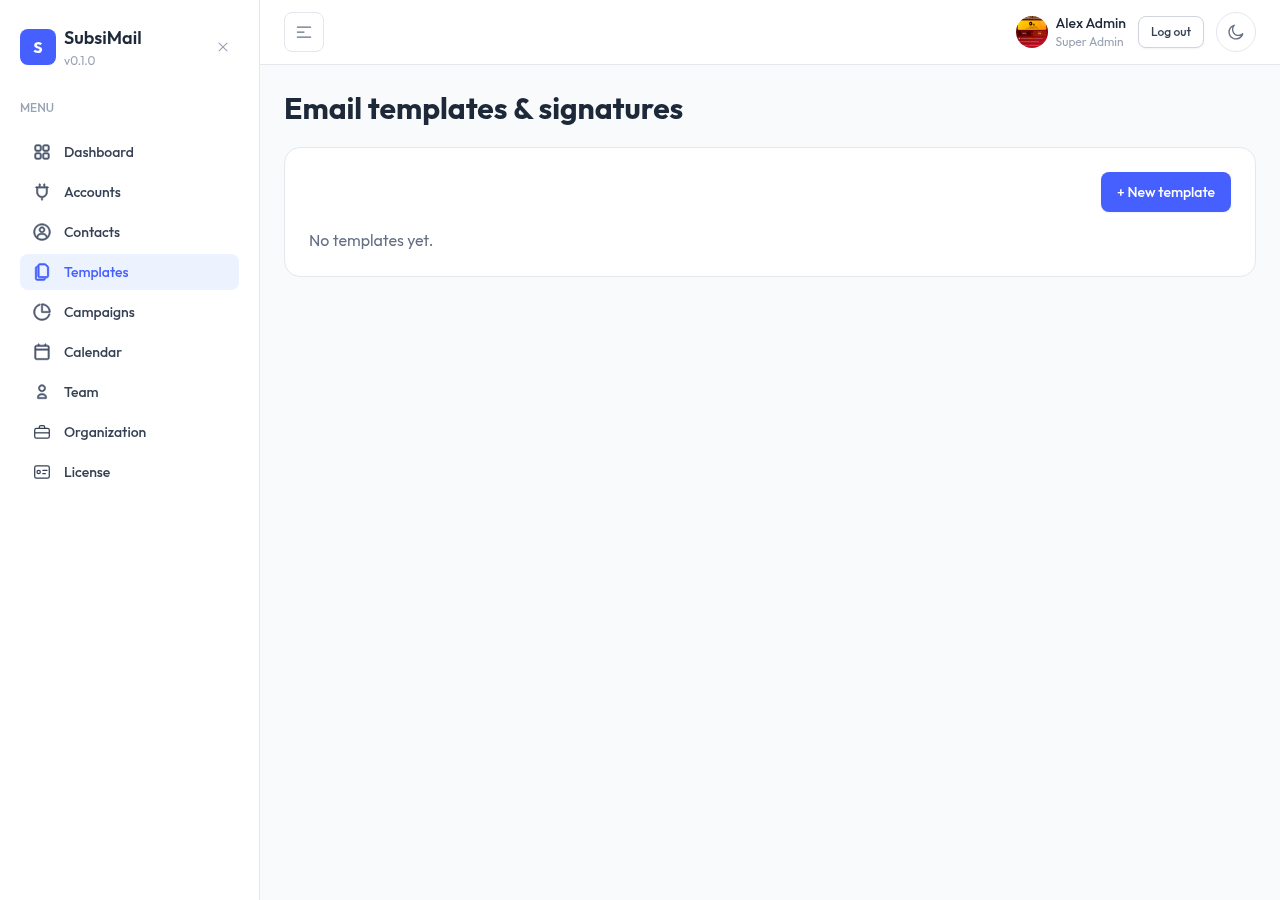
Separate from a campaign's own steps, SubsiMail also has a reusable template library at Templates — content you save once and reuse across multiple campaigns, rather than rewriting or copy-pasting into every new sequence.
Why a separate library
A campaign step's subject/body lives with that campaign only. If you have a strong opener or follow-up you reuse across many campaigns, saving it as a template means you write it once and reuse it whenever you're building a new step, instead of starting from a blank editor or copying from an old campaign.
Templates vs. signatures
Two kinds, chosen when you create one:
| Template | A full email — has both a subject and an HTML body. Meant to become a campaign step. |
| Signature | Body content only, no subject — meant to be appended to the end of other content (your sign-off block), not sent as a standalone email. |
Creating and editing
Go to Templates → New, pick a kind, give it a name (for your own reference — contacts never see it), and write the content. The same HTML source editing and merge tags available in campaign steps work here too. Edit or delete a saved template any time from the list.