Creating a campaign
A campaign is a sequence of one or more email steps, sent from a single connected account, to a set of enrolled contacts.
Create the campaign
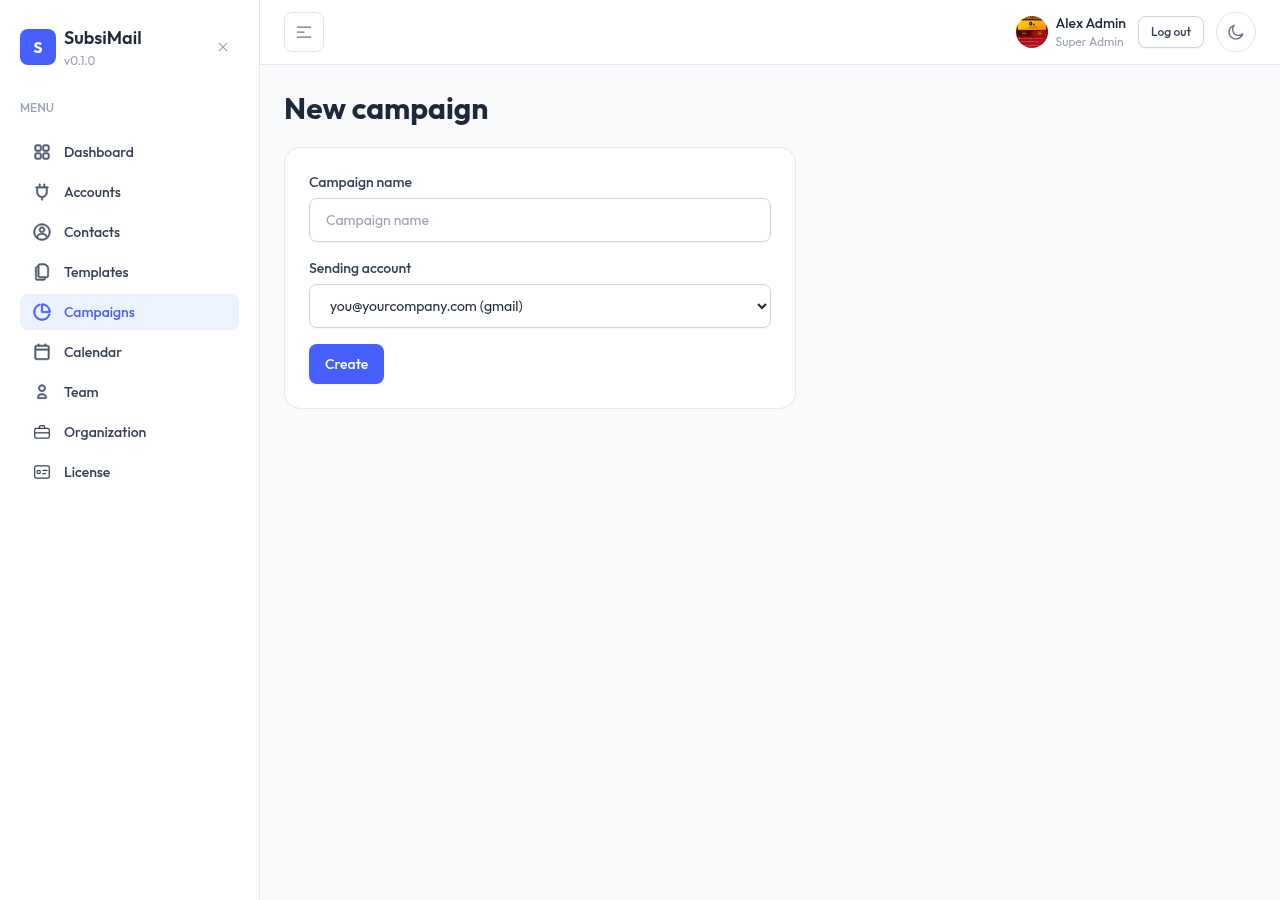
- Go to Campaigns → New Campaign
- Give it a Name (internal only — contacts never see it)
- Pick the sending account it should send from — only active connected accounts are selectable
It starts as a draft
Every new campaign starts in draft status — nothing sends until you explicitly activate it. That gives you room to build out steps, enroll contacts, and set a sending calendar first, all without any risk of a half-configured campaign firing early.
Reply-To & tracking
On the Settings tab, Reply-To defaults to the sending account's own address, but you can pick any other connected account, or type in an outside address entirely. SubsiMail shows a Connected / Not connected note next to it: if the effective Reply-To is one of your connected accounts, SubsiMail can check that inbox for replies and bounces, and those show up in Insights. Pick an outside address and it's still allowed — you just won't get reply/bounce metrics for that campaign, since SubsiMail has no inbox access to check.
Building it out
From the campaign's detail page, next up:
- Add steps — the actual email(s) in the sequence, optionally with A/B variants
- Enroll contacts — who receives it
- Set a sending calendar — which days and hours (in a timezone you choose, shown AM/PM) sends are allowed to go out. This is separate from the sending account's own hours (see sending limits) — if the two are in different timezones, SubsiMail flags it as a heads-up, not a block.
Once all of that's in place, switch the campaign's status to active to start sending.