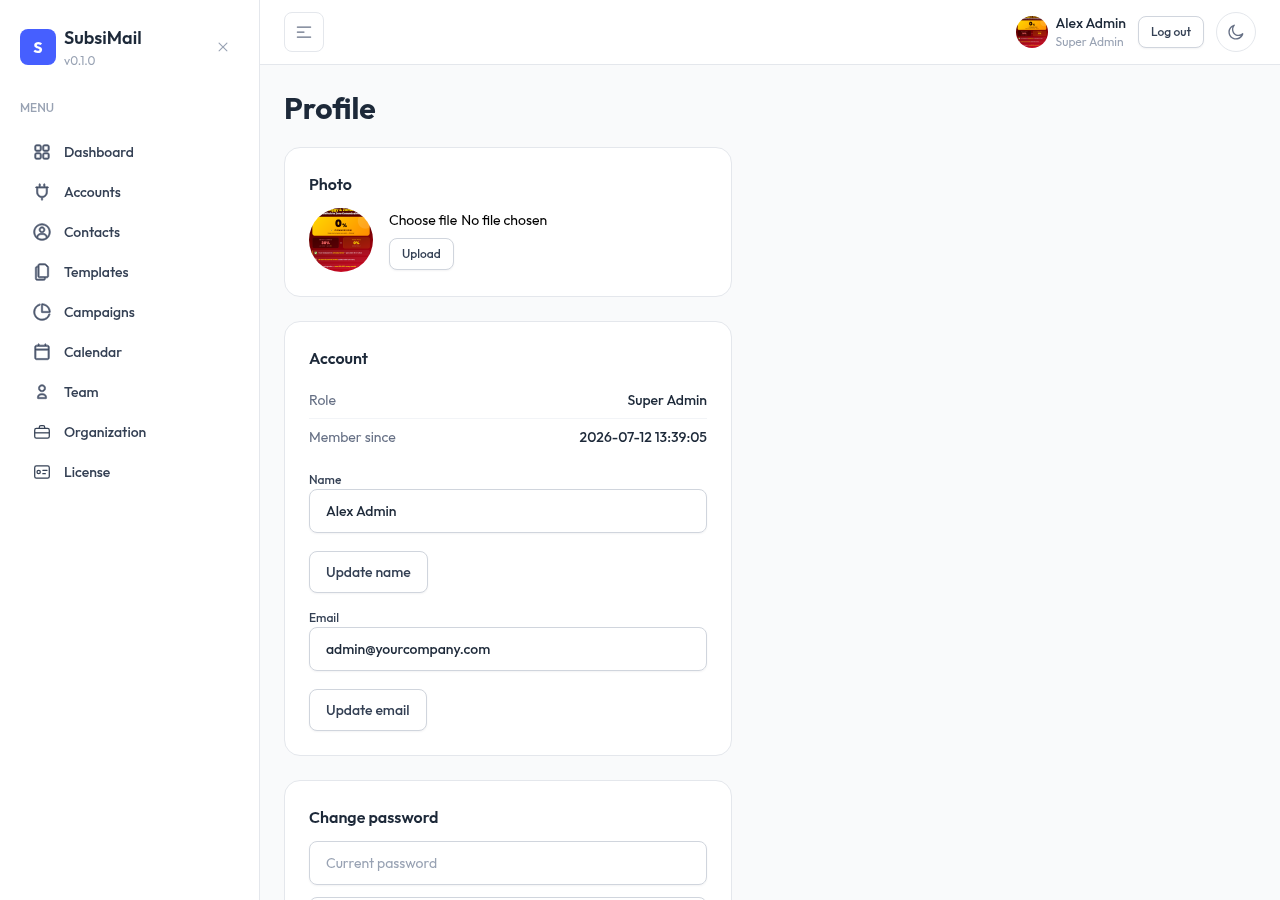
Org settings & avatars
The Organization page
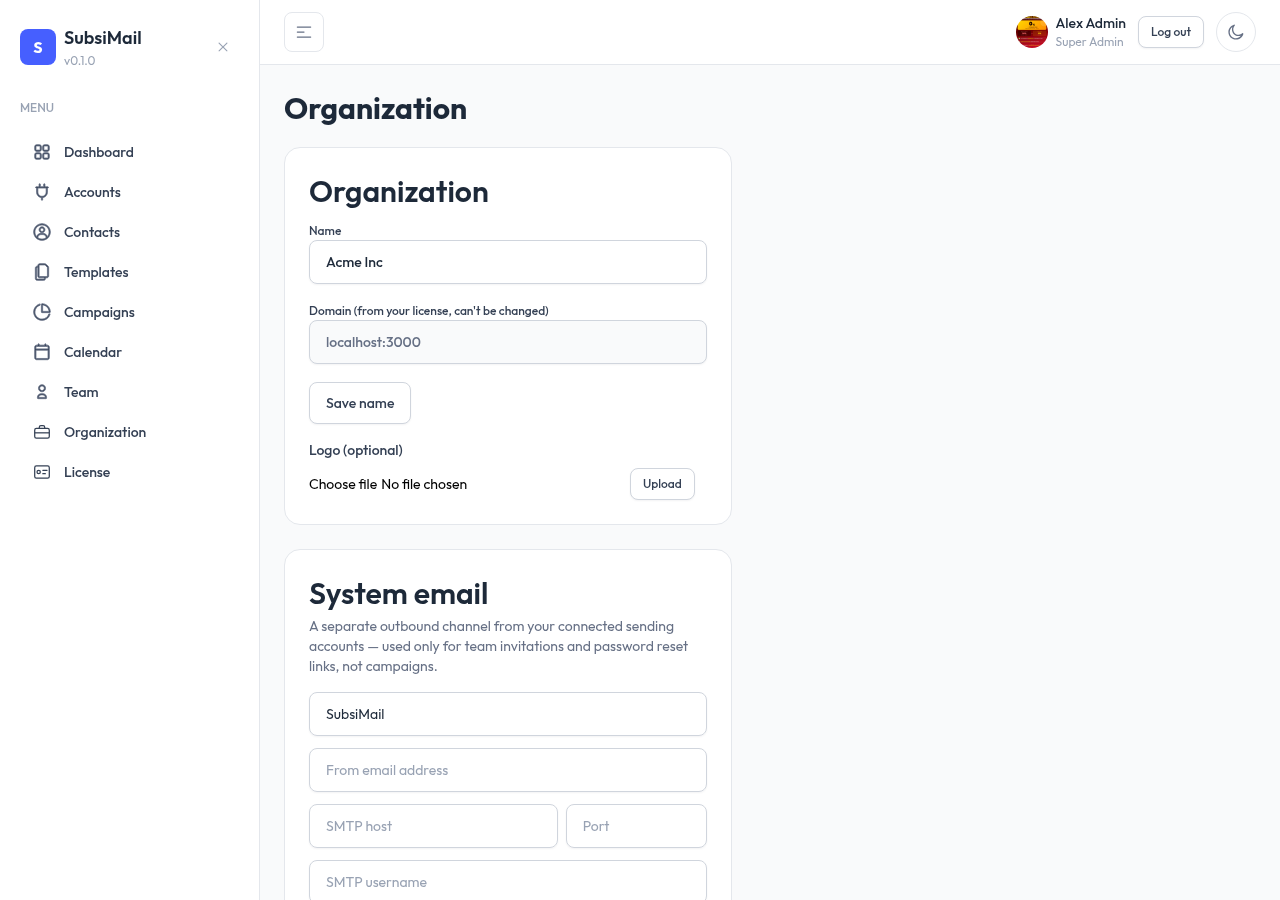
One page (admins and super admin only) covers how your org identifies itself and reaches out:
- Organization name — shown in the app UI and in outgoing email footers
- Logo — upload a PNG/JPG/GIF/SVG/WebP
- System email — see System email
Why the domain is locked
Organization domain is shown read-only on this page — it's pulled directly from your active license, not editable here. Changing it means updating the domain on your SubsiMail account and re-activating with the new token, the same anti-sharing design that governs the license everywhere else.
Avatars & personal profile
Separate from org-wide settings, each user manages their own profile from their account menu: name, email, password, and avatar. This is per-user, not something an admin sets on someone's behalf.